The lunch crowd starts getting bigger.
Some of the usual winter birds drop by.
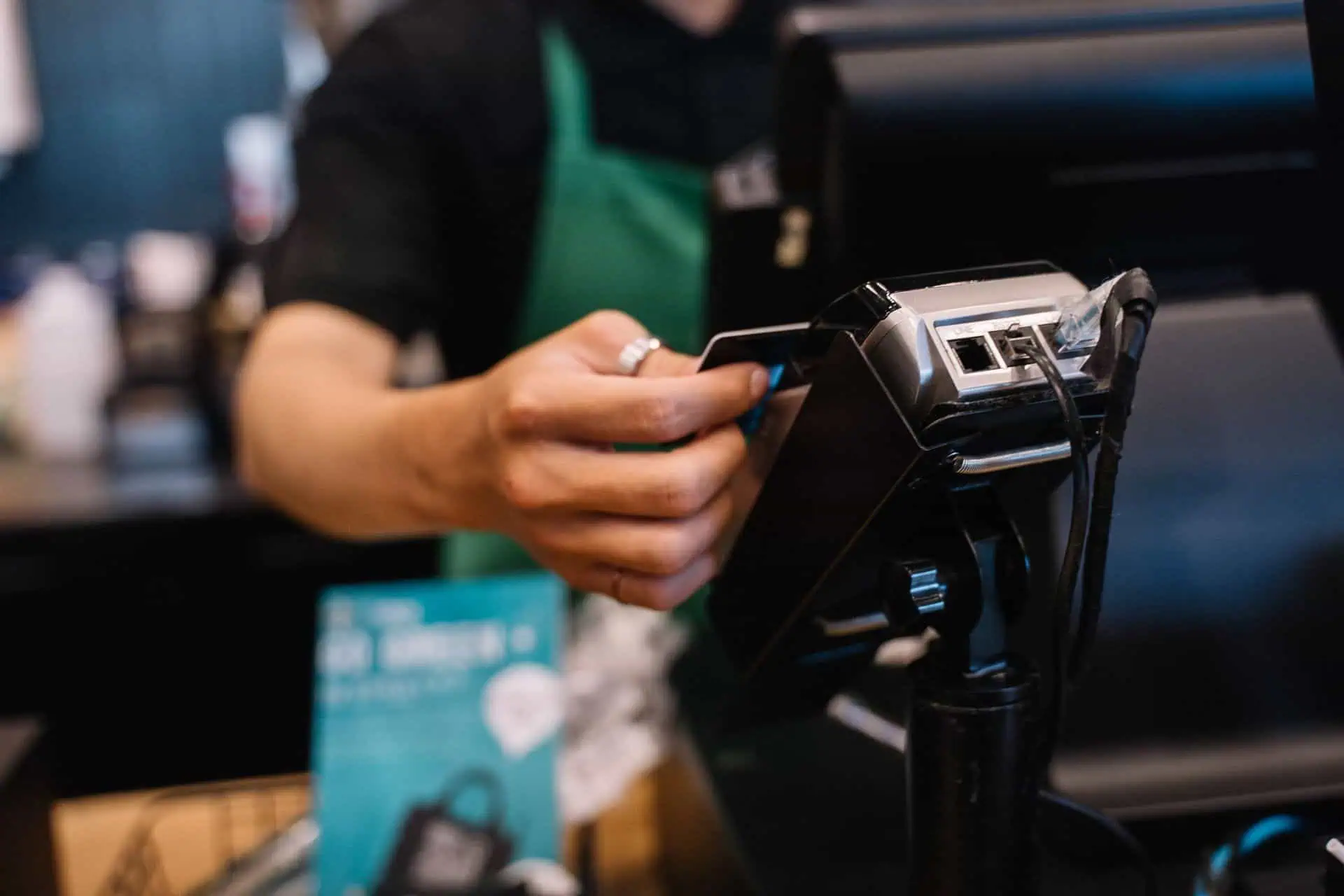
Then one day, every table is filled and someone is waiting for a card reader to connect.
Busy season has a way of exposing your weak points.
If you own a business in Cape Coral, Fort Myers and surrounding communities, fall should be the season to look at the tools you use every day. According to VISIT FLORIDA, winter is when Fort Myers gets the most tourists.
That makes now a useful opportunity to solve small issues before the hustle begins.
This POS busy season checklist could come in handy.
1. Check How Long It Takes to Ring Up a Sale
What seems like a speedy checkout on a quiet Tuesday can turn into an agonizingly slow process with six customers waiting.
Go through some of the most common transactions. Are employees able to find your best sellers quickly? Does the card reader connect immediately? Is the receipt printer up and running?
Try Every Checkout Spot
Make sure all registers, along with the handhelds, work properly. And if you process transactions outside, test the connection there as well.
Write down everything that makes people wait or look for help. These are places to start with.
2. Know What Happens When the Internet Goes Down
Wi-Fi goes down. What now?
Your team needs to know what to do before the situation occurs during a dinner rush.
Ask your provider which functions of your POS remain operational offline and which stop working. Ask if there is a backup solution and how to access it. Get your provider to test the plan at some off-peak time.
Ready.gov’s business preparedness website discusses power outages and machine failure contingency planning. Even a simple written plan will help employees have something to work with.
Make sure those steps are accessible offline by staff.
3. Clean Up Your Menu, Prices, and Inventory
Old buttons can cause new problems.
Maybe last year’s holiday special is still on the screen. A side dish’s price wasn’t updated. An item that you don’t sell anymore still shows as in stock online.
Compare What Customers See
Check your POS against the printouts of your menus, shelf labels, and online listings. Price and menu item information should match where appropriate.
For physical retailers, inventory should be scanned on a few key products. For restaurants, add-on items, menu options, and seasonal specialties need to be checked.
And for holiday orders, take a look at our guide on how to set up catering and holiday menus in your POS system.
4. Give Staff Time to Practice
Being able to complete a simple transaction is one thing. But things can get really interesting after that.
A table wants to split a bill. A refund is needed. A discount won’t apply.
Practice these tasks before having your staff perform them in front of customers.
Use Real Situations
Have each member of the team describe a typical situation. Explain to them what actions they can do themselves and which require help from the manager.
Utilize the training mode if available in your software. If not, ask your provider how you can practice without generating any unwanted charges or altering your sales history.
5. Follow an Order From Start to Finish
An order is of no value if the wrong person receives it.
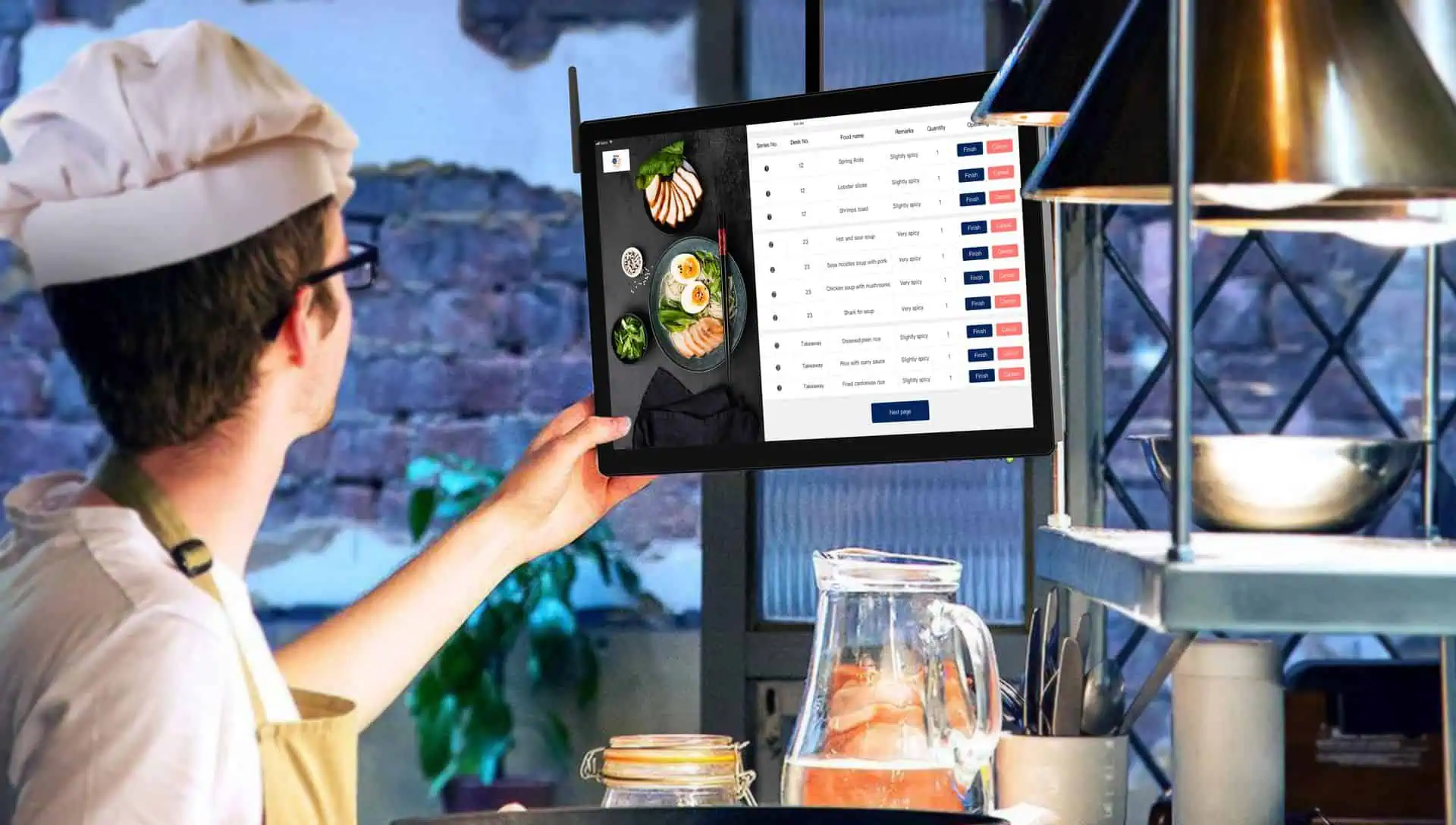
Perform a test order and see how it goes through the process. In the case of a restaurant, make sure drinks get to the bar and food gets to the kitchen.
Test online purchases as well. Check pickup time, customer name, and whether the order was paid for.
For a shop, test a pickup order and check how employees know if it is ready. Sometimes no alert is sent although everything else has been done correctly.
6. Test Gift Cards Before Promoting Them
Make sure gift cards can be easily purchased and used by customers.
Before putting up an advertisement of the upcoming holiday season, make sure your employees know how to sell a card, get the balance of the card, and accept the card as payment.
Test a purchase using only part of the available balance.
Also, confirm where the cards can be used. In-store and online use might depend on your system’s setup. Providing clarity now is important so that you don’t have an uncomfortable discussion at the checkout line later.
7. Put Your Support Contact Where Staff Can Find It
When the POS register goes down, nobody wants to go searching through old emails to find a phone number.
Make sure to keep your support number by the POS station. Also, include the name of the company and its location, as well as any account information provided by your card payment processing provider as being necessary for staff to know.
For more information about local POS support, read our article.
Get Your POS Ready Before the Rush
You might need just some minor tweaks such as cleaning up the menu or fixing a connection problem.
Contact Card Systems for a pre-snowbird checkup of your POS and payment system configuration. With our Cape Coral staff available, we can help your Southwest Florida business with installation, training, and local support so that any issues are sorted out ahead of time.