A customer calls to place a dinner order for 20 people. Another customer orders six pies to be delivered on Wednesday. In addition, the lunch rush is starting to pick up.
While holiday catering orders are great, managing these orders is not always easy.
If you run a restaurant in Southwest Florida, holiday catering usually comes at the same time as the busy winter season. It is important for your POS system to allow you to manage holiday orders while serving your regular clients at the same time. In order to achieve this, you need to plan ahead.
Build a Holiday Menu Your Team Can Actually Use
Your printed menu might say “Holiday Dinner Package”. However, this is not enough information for your staff to ring it up and prepare it correctly.
Give Each Package a Clear Place
Add a separate menu for catering or holidays in your POS. Choose descriptive names, such as “Turkey Dinner for 10” or “Half-Tray Baked Ziti.”
Do not complicate things with too many choices. If there are two side dishes with the meal, the POS should guide the staff in choosing the two. Additional dishes, sauces, and desserts should have their own prices.
This way, your staff won’t have to do any math right at the register. Also, this helps customers to understand what they are buying.
If you need to review restaurant POS solutions, pay attention to how easily your staff can create packages, choose options, and modify seasonal products.
Make Advance Orders Easy to Follow
Catering orders follow a different schedule than regular lunch orders. An order from today might not need to be ready until the next Friday.
Separate the Order Date From the Pickup Date
Your system should make these details easily accessible:
- Customer’s name and phone number
- Pickup or delivery date and time
- Food items, serving sizes, and special instructions
- Payment status and balance due (if applicable)
- Delivery address (if applicable)
Find out if your POS system has capabilities to schedule orders and set deadlines. You might have to install an additional tool or app for these features.
If your kitchen can only process five large orders in 30 minutes, base your scheduling on that limitation. It would be a great way to crowd your counter if you let everyone pick noon as a pickup time.
Help the Kitchen See the Whole Order
An order for 50 sandwiches cannot rely solely on your sticky note.
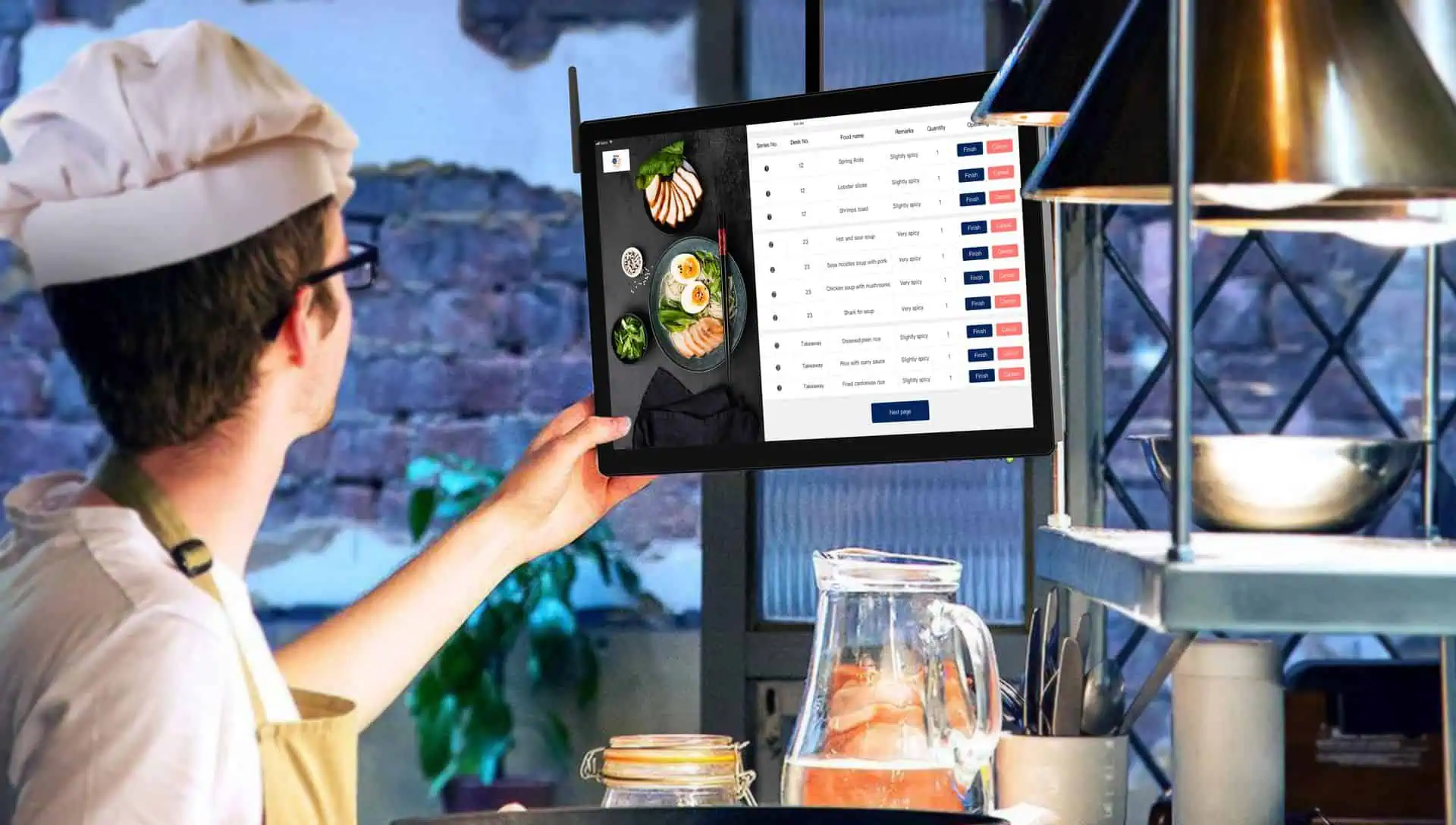
Kitchen tickets should include tray size, sides, and preparation deadline. Look when your future orders are printed or show up on the kitchen display. An order for next week shouldn’t look like something that needs to be cooked right away.
Keep Allergy Notes Clear
Dishes prepared on holidays use ingredients that tend to go unnoticed. The FDA’s guide to food allergens highlights the significance of reading labels to check for foods with milk, wheat, nuts, or sesame.
Highlight allergy information, and get confirmation from staff about the same through the kitchen. The ticket serves as an aid to communication; it is not a replacement for proper handling of food and discussions on what your kitchen can handle.
Include specific instructions for take-out food regarding storage and reheating. The USDA’s guide on leftovers and food safety will come in handy while giving customers instructions.
Keep Catering Payments Organized
The question of whether the customer paid already should be clear when they arrive.
If you take deposits, ensure that the POS system or invoicing tool you use can reconcile the deposit with the rest of the balance on the same order. Provide customers with the payment deadline and cancellation terms before they complete the order.
For larger office orders, electronic invoicing could make the process of sending an invoice and receiving payment easier. Ensure that these payments will match with your order records so the employees won’t double charge the customer.
Use Sales Reports to Plan Food and Staffing
Check previous holiday sales of the past, if you have any. What trays did well? What desserts were left over? At what times did most customers come to pick the orders?
Then, compare it with the order volume of this year. Sales reports will provide information about the sales, while an order report will provide information about the items that still need to be made.
There might be some additional effort needed to set up an ingredient tracker, but even without it, having a clear count of orders will be much more useful for your kitchen than guessing.
Test Your Holiday Menu Before Customers Order
Create a sample order from start to finish. Add a side dish, take a down payment, adjust the delivery time, then print the kitchen ticket. If you allow online ordering, test your online menu as well.
It will be easier to fix a wrong price now than when dealing with a full dinner service.
Need help getting ready? Reach out to Card Systems for assistance in preparing your catering and holiday menus ahead of the holiday and busy season. With local POS support in Southwest Florida, you can go through the specifics and prepare your team before the orders start piling up.