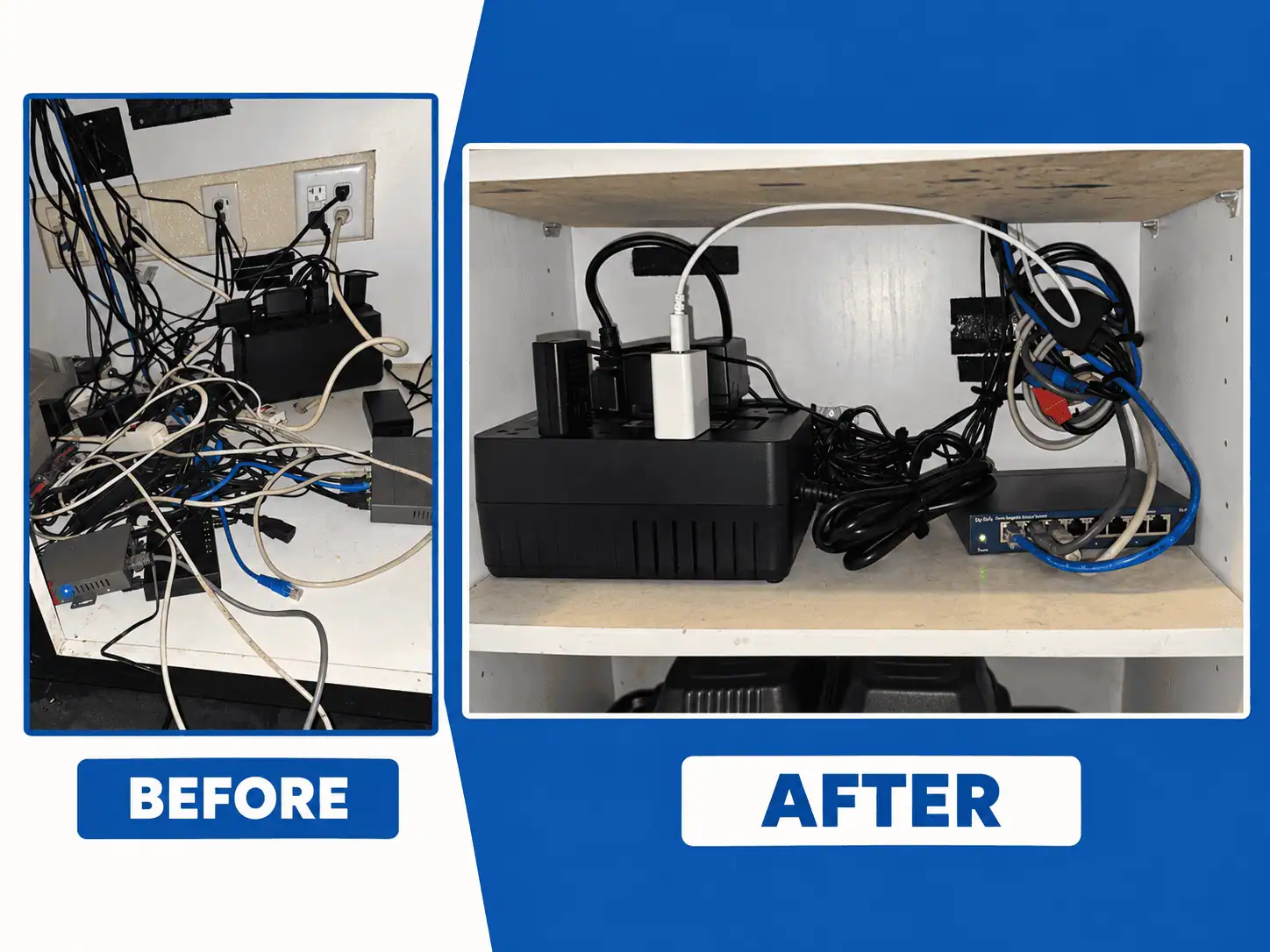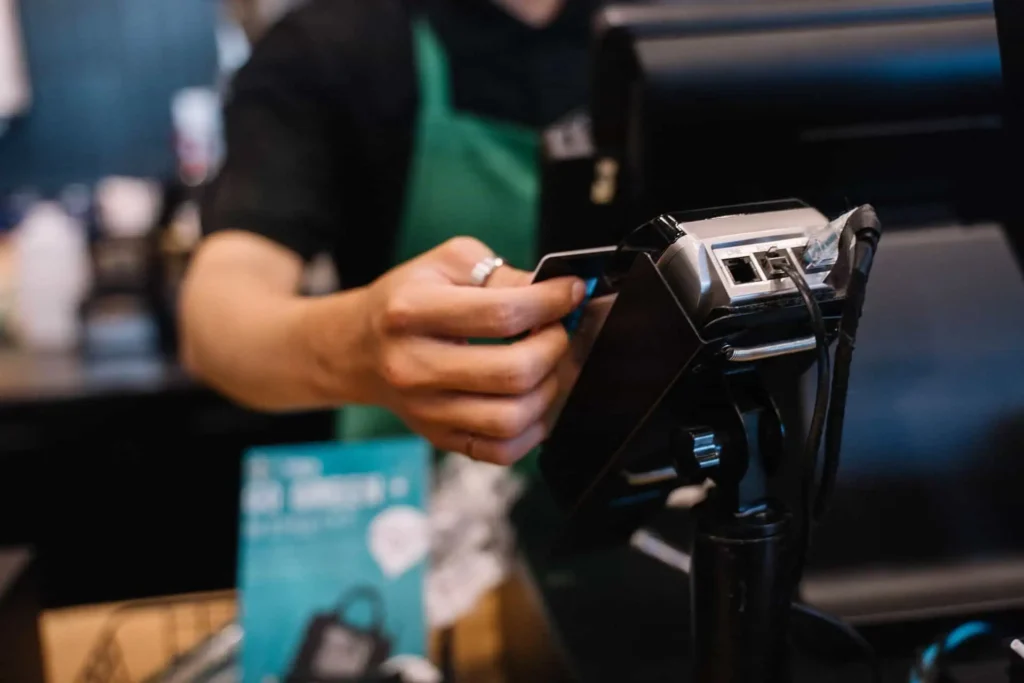
The lights are on. The team is ready. A customer taps their card, but the card reader keeps spinning.
They try again. Nothing.
A single outage could ruin an ordinary shift. Customers wait, orders pile up and someone pulls out a phone to call for help.
If you have a small business in Southwest Florida, it is worth checking whether your POS system has internet backup capabilities. A working backup can help keep payments functioning while the main connection is out.
Why Now Is a Good Time to Check Your Connection
As the holiday season approaches, it is wise to check how well it works now, in October.
It also should be noted that the storm season has not ended yet. As stated in NOAA’s hurricane preparedness guide, the Atlantic hurricane season ends on November 30.
But a hurricane is not necessary for the internet to fail. A damaged cable, service disruption, or hardware malfunction could create issues even on a beautiful, sunny day.
The point is straightforward: What would your employees do if that happened today?
What Stops Working When Your Internet Goes Down?
It all comes down to what kind of equipment you have and how your system is set up.
Certain POS systems are capable of taking payments and placing orders within a restaurant’s internal network. Some additional features might require a functioning external internet connection.
Your POS May Work While Payments Do Not
A display of your menu doesn’t guarantee a transaction from a card.
Locally hosted POS software can perform some actions even if its card terminal cannot communicate with the payment gateway. Some systems allow for offline payments, but such payments have restrictions, conditions, and potential threats. An offline payment could be declined once it is submitted when internet is restored.
Consult your provider about the capabilities of your specific system prior to trying to make offline payments.
Other Tools May Be Affected
The process of online orders, online reporting, and internet-based phones could be interrupted.
If you work with a restaurant POS system, ask whether your employees can take orders, whether the orders can be transferred to the kitchen, and whether your guests can pay.
These are all different questions that require separate answers.
How Does Backup Internet Work?
Backup internet provides an additional means for your company to stay connected.
The most common option involves the use of a cellular network. Should the primary internet connection fail, connected devices can seamlessly switch to the secondary one. It is known as automatic failover.
It works like a detour route when the main road is blocked.
Focus on the Tools You Need Most
The backup doesn’t need to handle all operations taking place in the building.
Payment transactions and other core functions performed by the point-of-sale system should take priority over guest Wi-Fi and downloads.
The proper configuration will depend on your equipment, signal, and needs for data transmission. It will require testing as well since a switch could entail a temporary delay, and some devices will have to re-connect.
Having backup internet can alleviate certain concerns. However, it doesn’t guarantee that all services will be available at all times.
Is a Phone Hotspot Enough?
Phone-based hotspots could be useful in an emergency. But picture trying to connect multiple devices with people waiting.
Who has the phone? Is it charged? Can the payment terminal get access to it? How about when the person leaves?
A planned backup for the business allows you to sort these issues out in advance.
There also needs to be cellular coverage within your building. The fact that there is a good cell signal by the front door doesn’t mean there is one behind the counter. It’s best to check out where your backup hardware will go.
Remember That Backup Internet Needs Power
It won’t do you much good to have a second internet connection when the power in your router and your payment hardware isn’t working.
An adequate battery backup, usually called a UPS, can keep certain equipment working for a while. It just depends on the battery and the hardware that is attached.
The two are very different in function but both should be considered as part of your planning.
Check out business preparedness information from Ready.gov.
Test Your Backup Before a Busy Shift
Ask your POS provider to conduct a test during off-hours.
Check these basics:
- Does the backup take over when the main connection stops?
- Is your team able to make a test transaction?
- Are critical orders delivered where necessary?
- Does the system get back to the main connection afterward?
- Does everyone know who to call?
Keep a small guide by the register. Even a good setup works better when staff know what to expect.
Get Your POS and Internet Setup Checked
It may be useful for companies operating in Cape Coral, Fort Myers, and throughout Southwest Florida to have an inspection of their network and payment equipment carried out.
Card Systems specializes in POS systems and payment processing, as well as backup connectivity solutions. This allows for focusing the inspection on order taking and payment processing.
For more information, please contact us at Cardsystems.com. Should there be a need for any adjustments, we can install and test the system before putting it to the test with the next big day.