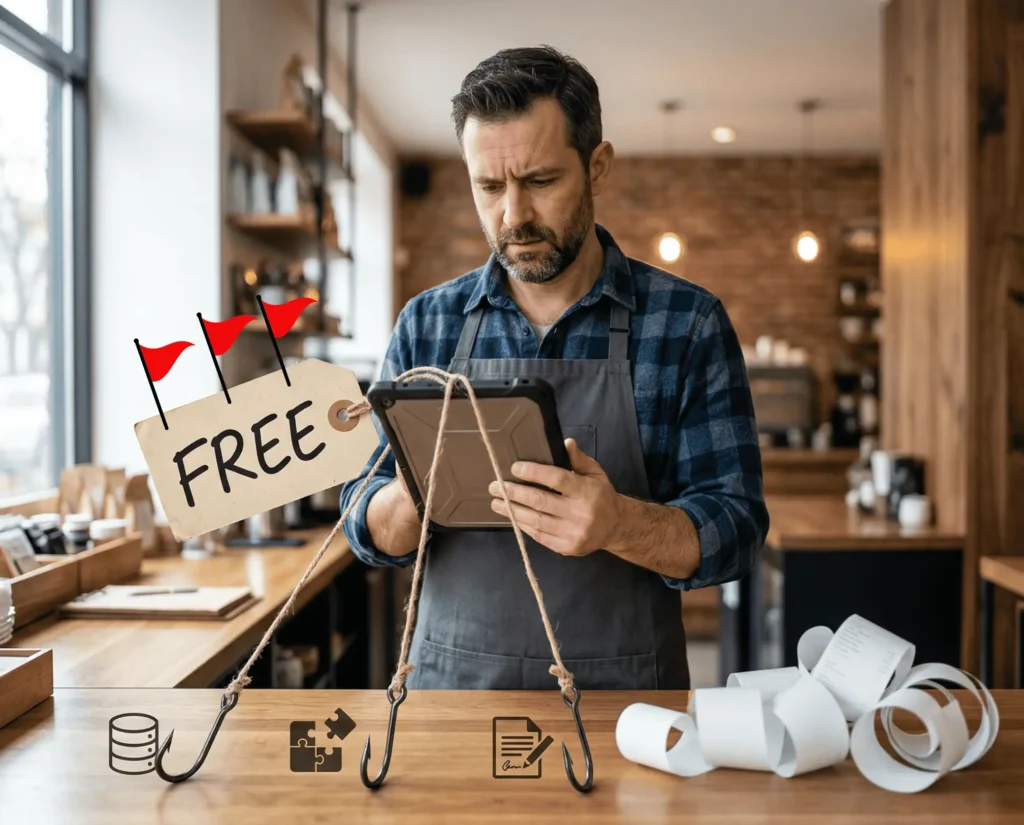
We’ve all seen the offers. “Free POS software.” “Free setup.” “Free tools to run your business.”
To small business owners, it sounds like a win initially. You think it could help you cut costs, move faster, and get back to work.
The cold hard truth is that a lot of “free” software doesn’t make you pay upfront because you really pay with your data, your time, and your leverage. And once you get locked in, the real costs start showing up.
Free Software Still Has to Get Paid For
A common assumption of “free” is that it’s just a good deal. That can be true in come cases like open-source tools built by communities, products that are subsidized by founders for early growth, and honest vendors who like to keep pricing simple.
However, with POS software, “free” works on a different model. The provider still has costs such as support staff, servers, security updates, feature development, hardware, and compliance work. So they manage to get their revenue one way or another, and that’s where they squeeze it out of you.
The 3 Most Common “Free POS” Traps
1) Your business data becomes the product
POS systems can see a lot of data:
- Ticket size
- Top-selling items
- Busy hours
- Staff activity
- Customer contact details
- Purchase habits
There are lots of software companies that collect user data. Websites and apps can collect info using cookies, pixels, ad IDs, and device fingerprinting, and they can even track activity across apps, according to the FTC.
The issue is that it doesn’t stop at collection. Depending on the company’s policies and partners, that data can easily go from collected to shared or sold.
2) Add-Ons That You Can’t Live Without
More often than not, “free” POS software gives you the bare minimum, then you end up paying for the features you thought were included.
Some common must-have add-ons:
- Online ordering
- Third-party ordering integrations
- Inventory
- Loyalty and gift cards
- Multi-location reporting
- Advanced employee permissions
- QuickBooks or accounting sync
- Text or email tools
Some providers price these features individually, which is fine. It becomes an issue when an add-on is needed to run basic operations and fees start to add up after you’re live.
3) Long-term contracts that punish you for leaving
“Free” usually comes with many strings like long contracts, early termination fees, overpriced leased equipment, high processing fees, and more. The worst part is usually the lack of support and the expensive fees for additional support. They make it very difficult to switch, even if the system is completely failing you.
Why “Free” + Poor Support Is a Brutal Combo
Most small business pain points with their POS are poor support, hidden fees, and long-term contracts. These stack on each other to create a huge problem.
When support is inadequate, you start losing money due to longer lines, missed orders, frustrated staff, and bad impressions. Then you see the hidden fees on your statement and the contract keeps you from escaping.
How to Spot Data Games
Most people never read a company’s privacy policy, and you actually don’t have to. A quick shortcut is to search (ctrl + F) for words like:
- share
- partners
- affiliates
- service providers
- advertising
- analytics
- sell
- third parties
Many privacy disclosures are unclear or misleading. Mozilla conducted a study of “data safety” labels and found that many were false or misleading when compared to privacy policies. Essentially, never trust the marketing page. Only trust what the contract and privacy policy allows.
When “Paid” is Better Than “Free”
Paying for a POS system doesn’t necessarily guarantee a better experience, but it does change the incentive.
When a provider earns revenue directly from serving you, they tend to focus more on real support, transparent billing, and a mutually beneficial long-term relationship.
Most small businesses want real people who answer the phone, predictable pricing, and a system that simply works when they need it most.
Card Systems focuses on local support with a clear contact path. You can call, text, or email us at any time.
What to Ask Before You Sign
Go through this checklist when considering a POS provider.
Pricing and fees
- What is the full monthly cost for the features I need?
- What fees are not included in the monthly price?
- What happens to pricing after the first 3, 6, or 12 months?
Support
- Who provides support: the provider, a reseller, or a call center?
- What hours is support available?
- What is the response time?
- Do you offer onsite support and what is the cost?
Contracts
- Is there a minimum term or is it month-to-month?
- Is there an early termination fee?
- Does the plan auto-renew without prior notice?
Data rights
- Can you share or sell my business or customer data?
- Do I own my transaction and customer data?
- What happens to my data after I cancel?
If they won’t give you a straight forward answer to these questions, it’s best to look elsewhere.
Practical Next Step for Florida Businesses
Create a list of all the features you need like online payments, advanced reporting, staff permissions, support expectations, and so on. Then ask for a quote that includes all of it.
If you would like a quote from Card Systems for POS and payments in Florida, start with our Services page and request pricing.
If you’re exploring POS options, our POS Solutions page details our fundamentals and value proposition.
If you’re ready to see a demo or get a quote, reach out to us at (239) 549-5055.